
How to choose a 16A smart plug for a geyser or AC
Start with the appliance load—not the smart features
Check the appliance label or manual for its rated voltage, wattage and current. Compare those figures with the smart plug's stated limits and intended appliance types. A 16A maximum is a ceiling, not a recommendation to operate every appliance continuously at that level.
Geysers are usually resistive loads, while air conditioners use compressors that can draw a higher starting current. Confirm that the exact smart plug is approved by its manufacturer for the appliance you intend to control. If any specification is unclear, ask a qualified electrician before connecting it.
- Read the appliance nameplate and manual.
- Confirm continuous-load and appliance-type compatibility.
- Do not rely on the 16A label by itself.
The wall socket and wiring matter equally
A smart plug cannot correct an undersized, loose, damaged or incorrectly wired socket. Use a properly installed 16A wall outlet and avoid stacking adapters, loose converters or overloaded extension boards.
Stop using the setup if the socket or plug becomes unusually warm, discoloured, loose or produces an odour or sound. Switch off the circuit safely and have the outlet inspected rather than continuing remote operation.
- Use a correctly rated wall socket.
- Keep the plug directly accessible for inspection.
- Never conceal heat or damage behind furniture.
Schedules are useful, but not a safety system
A schedule can switch a compatible geyser on before a routine use time and off afterward, while energy monitoring can help you understand consumption patterns. These features do not replace the appliance thermostat, circuit protection, earthing or responsible use.
Avoid schedules that could energise an appliance when nobody can check its condition. Remote control is convenient, but it should not encourage unattended operation that conflicts with the appliance manufacturer's guidance.
Check Wi-Fi, app access and recovery behaviour
Both shortlisted models require a 2.4GHz Wi-Fi network for setup. Consider whether the installation location has reliable signal and whether every household member who needs control can use the app safely.
After a power cut or internet interruption, appliances and smart plugs may recover differently. Some appliances remain off until a physical button is pressed. Test recovery behaviour while present and do not assume a schedule will always resume as expected.
Energy monitoring is for awareness
Energy data can help compare daily routines and identify unusually long run times, but it is not a substitute for a calibrated electrical meter or professional diagnosis. Treat the figures as a practical usage guide.
When comparing apps, look for clear daily and monthly history, understandable units and reliable export or reset controls if those features matter to you. App features can change, so confirm the current listing and app information before purchase.
Quick comparison
| Product | Our pick for | Marketplace check | Details |
|---|---|---|---|
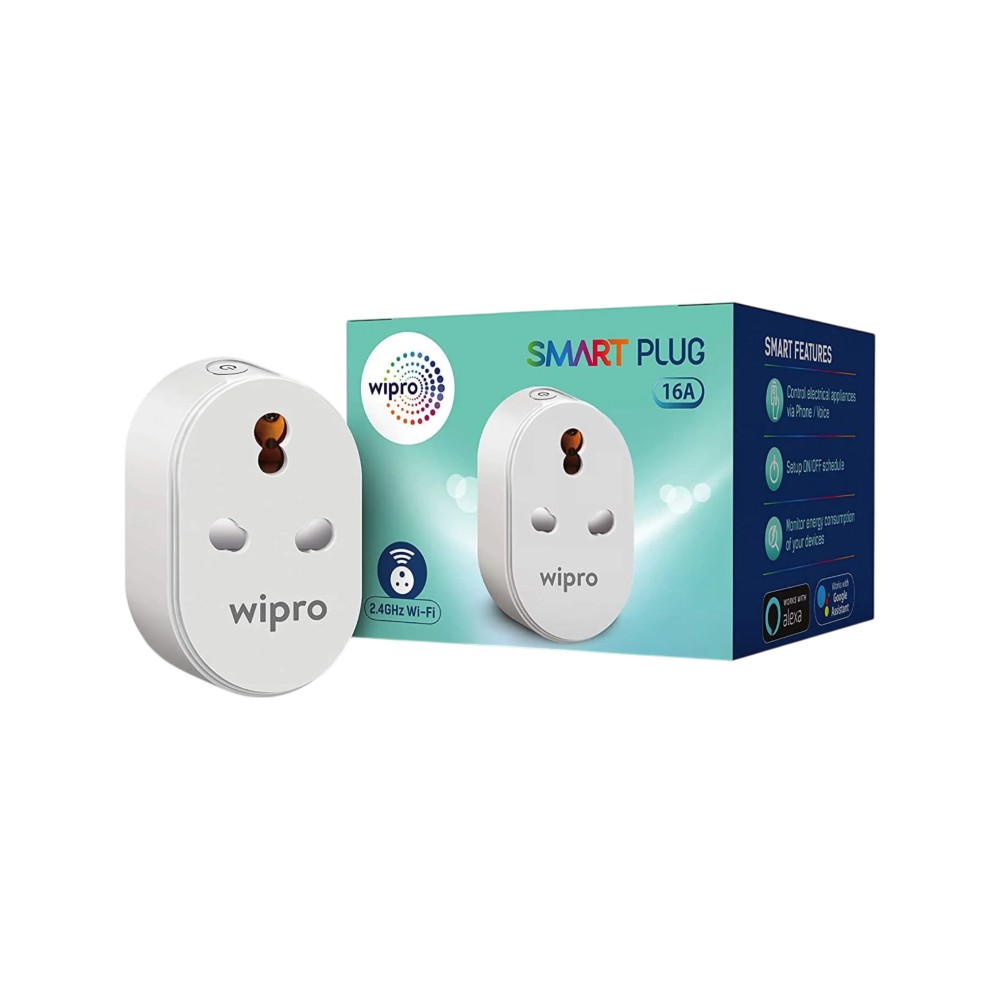 Wipro 16A Smart PlugWipro | Best established rating signal | 18,715 ratings | View details → |
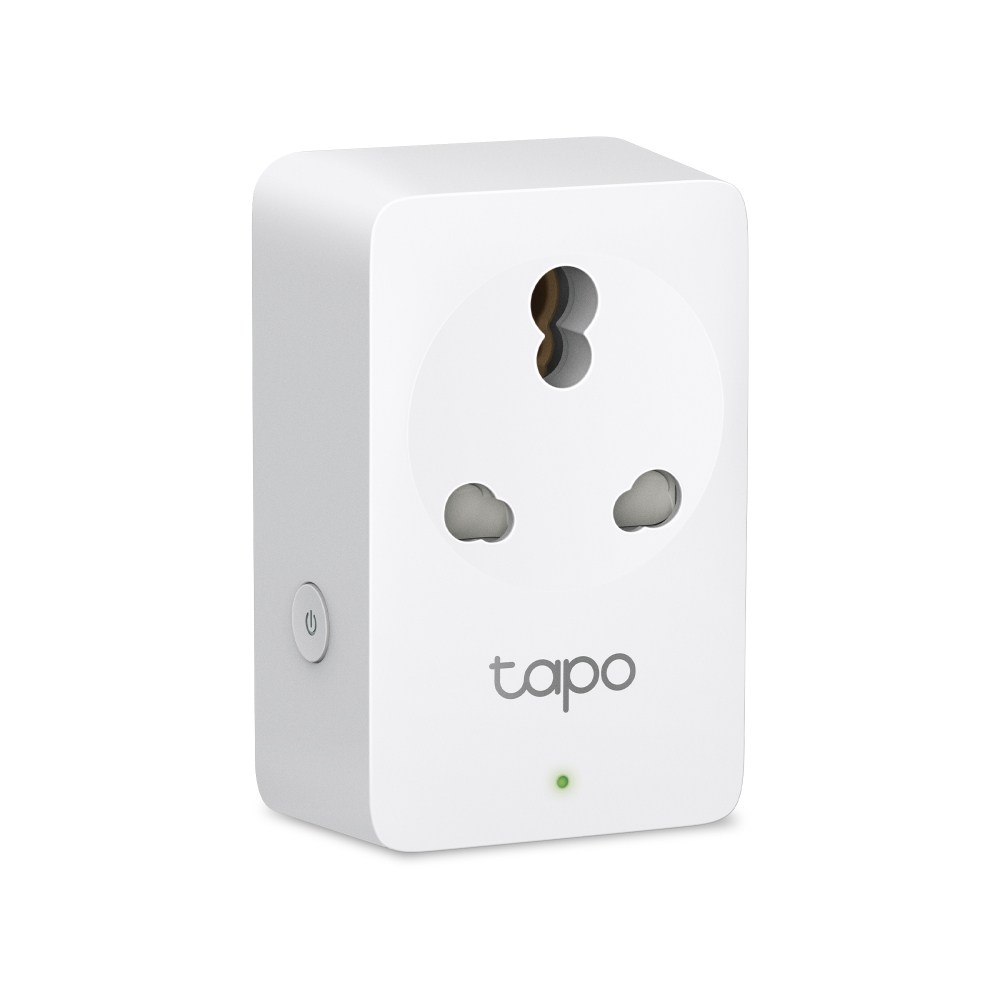 Tapo P110 Smart PlugTP-Link Tapo | Best compact app-focused option | ✓ Limited dataCheck current ratings | View details → |
Ratings are marketplace snapshots and can change. Check the latest price, seller, variant, delivery and reviews on Amazon before buying.
Which one should you choose?
Best established rating signal
Wipro 16A Smart Plug
A widely rated 16A option with schedules, remote control, voice-assistant support and energy monitoring. It is the stronger starting point for shoppers who value a larger marketplace feedback history.
- 16A appliance support
- Energy monitoring in the Wipro app
- Scheduling and remote control
Best compact app-focused option
Tapo P110 Smart Plug
A compact 16A plug with real-time energy monitoring, schedules and away mode. Its displayed rating snapshot is based on a very small sample, so check the current listing and recent feedback carefully.
- 16A appliance support
- Real-time energy monitoring
- Schedules and away mode
A practical buying checklist
- 01Match the exact appliance voltage, wattage, current and load type to the smart plug's specifications.
- 02Use a sound, correctly wired 16A wall socket without stacked adapters or extension boards.
- 03Confirm that the manufacturer permits the intended geyser, AC or appliance use.
- 04Check for reliable 2.4GHz Wi-Fi where the plug will be installed.
- 05Test schedules and post-power-cut behaviour while someone is present.
- 06Ask a qualified electrician when the socket, wiring or appliance compatibility is uncertain.
Helpful answers
Can every 16A smart plug control a geyser?
No. The geyser load, wall socket, wiring and smart-plug specifications must all be compatible, and the manufacturer must permit that use. A 16A label alone is not enough.
Can I use a 16A smart plug with an air conditioner?
Only when the exact plug is designed for the AC's running and starting load and the manufacturer allows it. Compressor starting current can be higher than normal running current, so professional electrical advice is sensible.
Do these smart plugs need 5GHz Wi-Fi?
The shortlisted Wipro and Tapo models use 2.4GHz Wi-Fi for setup. Check that this network is enabled and reaches the installation location.
Will the appliance restart after a power cut?
It depends on both the plug and the appliance. Some appliances require a physical button after power returns. Test the setup while present instead of assuming automatic recovery.
Does energy monitoring show the exact electricity-bill amount?
It is useful for tracking consumption patterns, but tariffs, app calculations and measurement accuracy vary. Use your electricity bill or a qualified meter for authoritative billing figures.
Is professional installation required?
The plug itself may not require installation, but a qualified electrician should inspect any loose, damaged, heating or uncertain 16A outlet and confirm appliance compatibility when specifications are unclear.