
Build a home office around compatibility
Solve the highest-friction task first
Upgrade the tool that repeatedly slows work: printing, calls, typing, pointer control or file transfer. Buying all accessories at once can hide which change delivers value.
Confirm ports, operating-system support and desk space before ordering.
Plan wireless connections
Bluetooth keyboards avoid receivers but depend on supported Bluetooth profiles. A 2.4GHz mouse uses a USB receiver that occupies a port.
Printers may require 2.4GHz Wi-Fi and initial app or driver setup. Check the devices and network you already use.
Include maintenance and ergonomics
Ink-tank printers need regular appropriate use and print-head care. Keyboards and mice should support a neutral posture, while webcams should be near eye level with useful front lighting.
Back up important files rather than treating one flash drive as permanent storage.
Quick comparison
| Product | Our pick for | Marketplace check | Details |
|---|---|---|---|
 Canon PIXMA G3000Canon | Best for regular home printing | 13,061 ratings | View details → |
 Logitech C270 WebcamLogitech | Best basic video-call upgrade | 24,797 ratings | View details → |
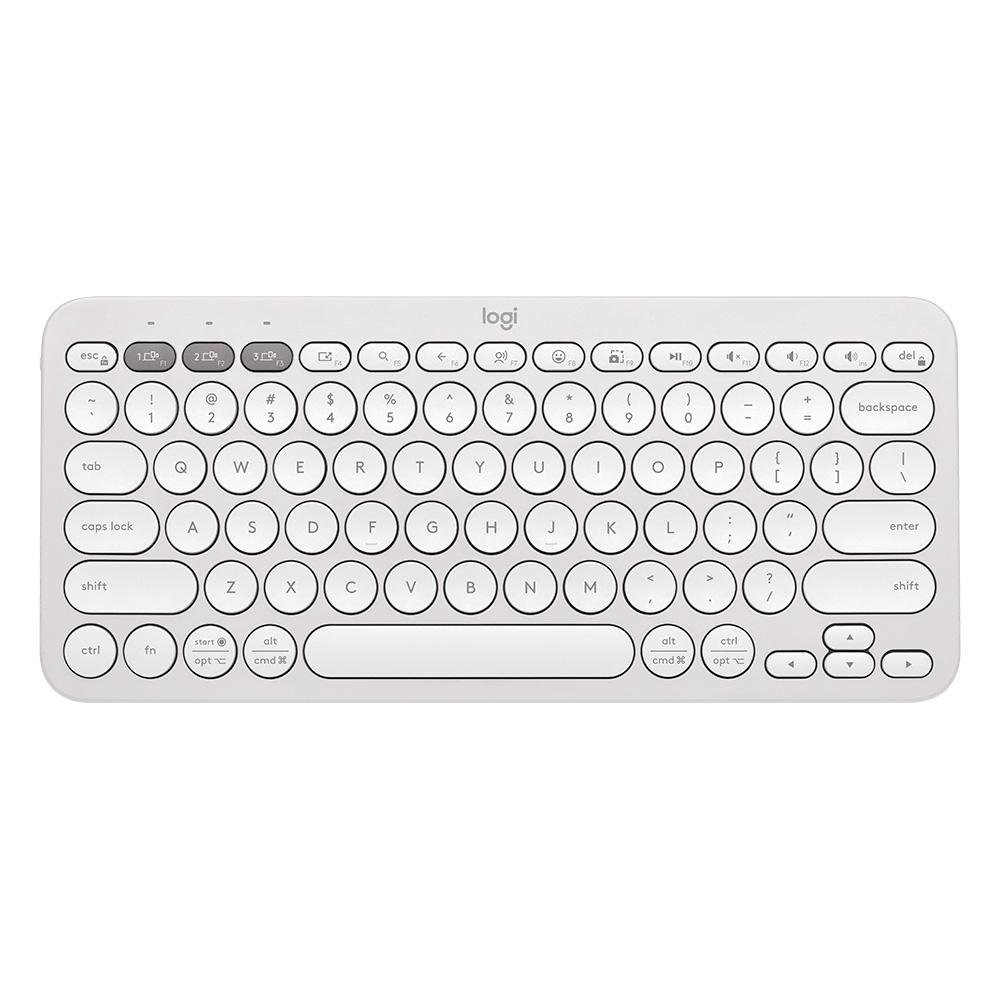 Logitech Pebble Keys 2 K380sLogitech | Best multi-device keyboard | 1,700 ratings | View details → |
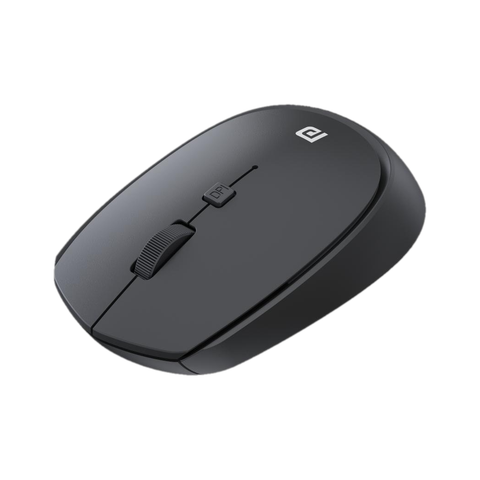 Portronics Toad 23 MousePortronics | Best budget pointer upgrade | 16,107 ratings | View details → |
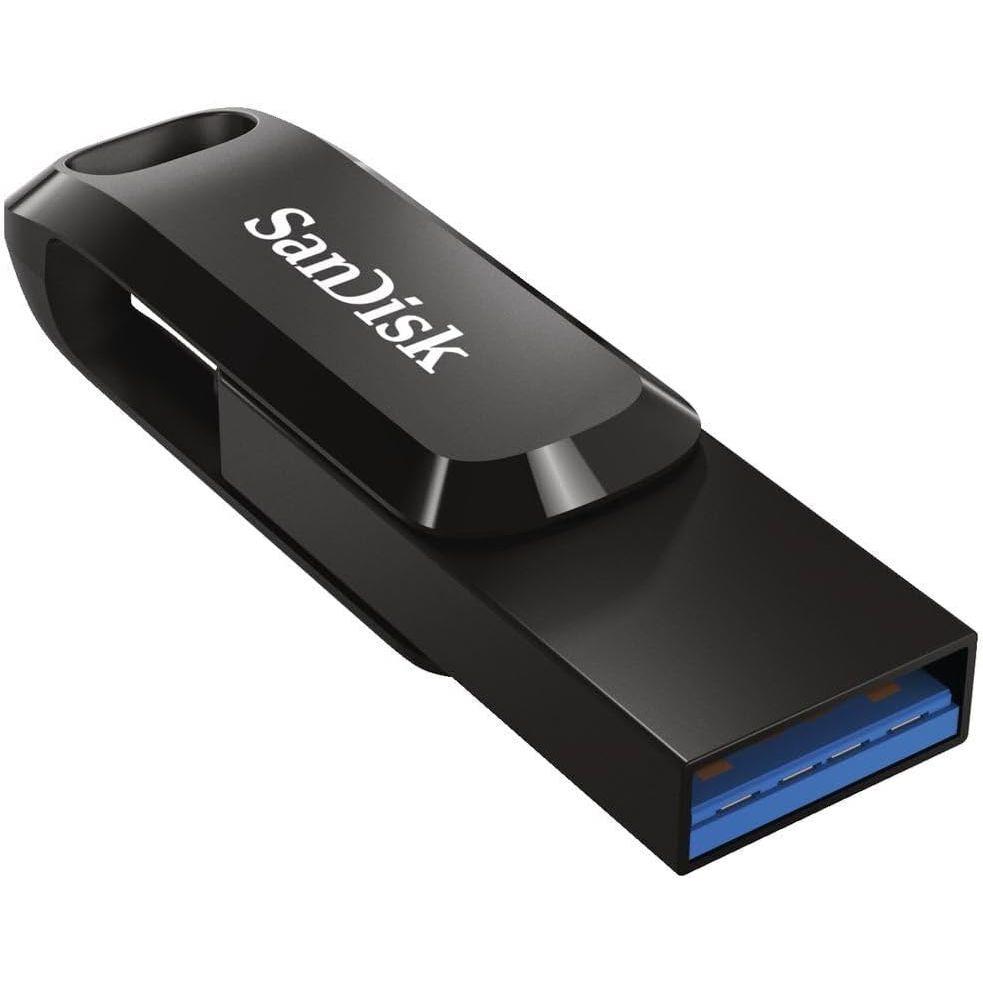 SanDisk Dual Drive Go 256GBSanDisk | Best phone-to-PC file transfer | 5,008 ratings | View details → |
Ratings are marketplace snapshots and can change. Check the latest price, seller, variant, delivery and reviews on Amazon before buying.
Which one should you choose?
Best for regular home printing
Canon PIXMA G3000
An ink-tank multifunction design suits households that print and scan enough to justify its footprint and maintenance.
- Print, scan and copy
- Refillable ink tanks
- Wi-Fi connectivity
Best basic video-call upgrade
Logitech C270 Webcam
A simple HD USB webcam can improve camera placement and consistency over an older built-in laptop camera.
- 720p video
- Built-in microphone
- USB connection
Best multi-device keyboard
Logitech Pebble Keys 2 K380s
Compact Bluetooth switching suits users moving between a laptop, tablet and phone.
- Connects up to three devices
- Bluetooth multi-platform support
- Customisable shortcut keys
Best budget pointer upgrade
Portronics Toad 23 Mouse
A straightforward wireless mouse offers more control than a trackpad for long spreadsheet and browsing sessions.
- 2.4GHz wireless connection
- USB nano receiver
- Adjustable DPI
Best phone-to-PC file transfer
SanDisk Dual Drive Go 256GB
USB-C and USB-A connectors help move compatible files between modern phones and computers.
- 256GB capacity
- USB-C and USB-A connectors
- Up to 400MB/s advertised read speed
A practical buying checklist
- 01Identify the task causing the most daily friction.
- 02Confirm USB, Bluetooth, Wi-Fi and OS compatibility.
- 03Measure desk and printer storage space.
- 04Plan ink, battery and replacement costs.
- 05Keep important files in more than one location.
Helpful answers
Which home-office accessory should I buy first?
Choose the item that fixes the most frequent problem. For many users that is a mouse or keyboard; for regular calls it may be a webcam.
Is an ink-tank printer good for occasional use?
It offers low running cost at useful print volumes, but very infrequent use can require more maintenance. Review your monthly printing pattern.
Does the Logitech C270 support every laptop?
It works with many USB computers, but confirm current operating-system and application compatibility before buying.
Can a USB-C flash drive back up my phone?
Only when the phone supports compatible USB storage and file access. Keep another backup because flash drives can fail or be lost.